Existing video
Start with a training or educational video and set the objective for the lesson.

Product
GraspCore turns existing training and educational video into an interactive lesson with Practice and Assessment, then makes submitted answers and learner results available for review.
Product overview
Start with video your organization already uses, then build the structure learners need to engage, practice, and demonstrate understanding.
Actual product interface
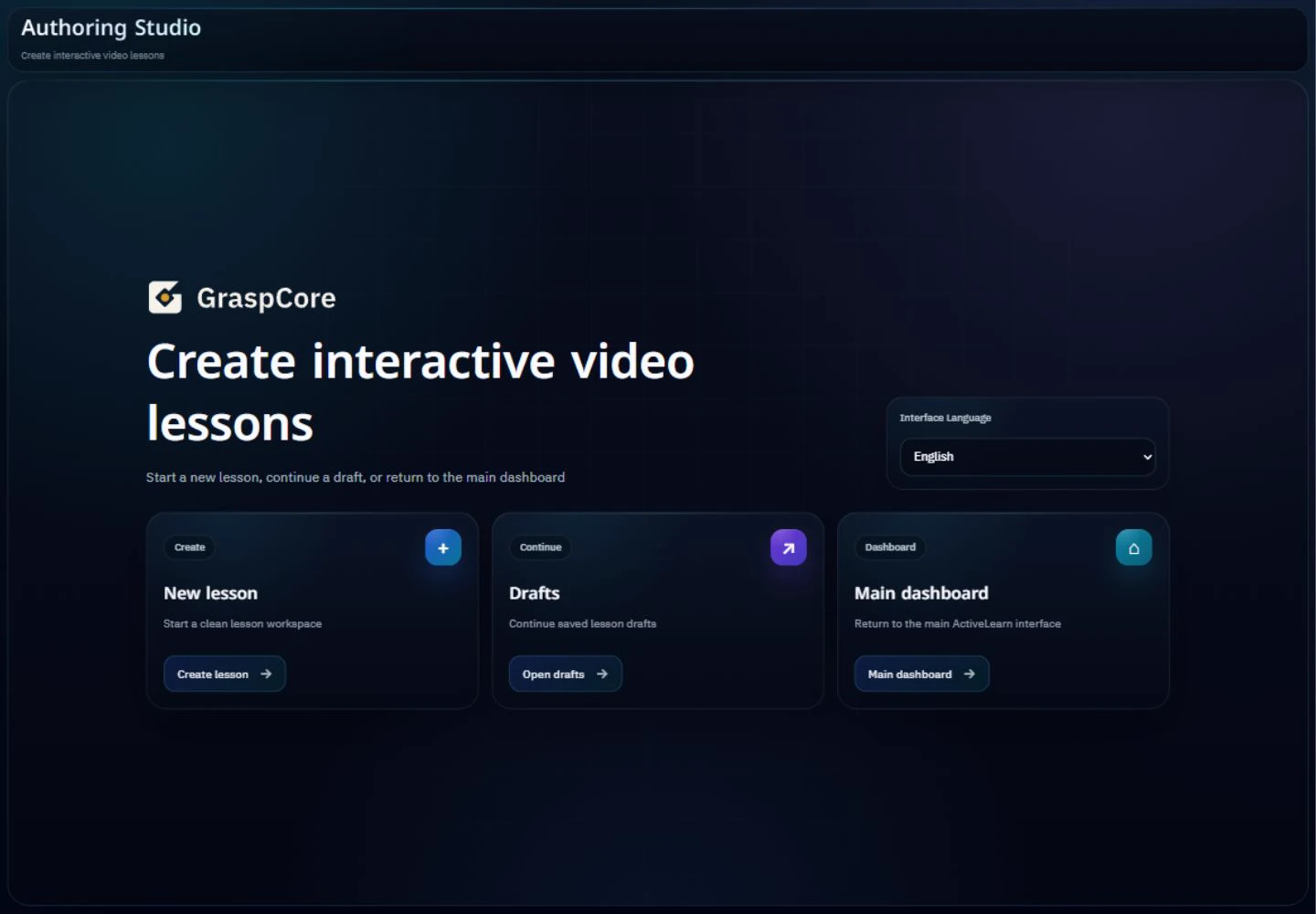
The real GraspCore Authoring Studio is shown here. Try the Moon lesson to experience timed questions from the learner side.
Core workflow
The learner responds at key moments, practises, completes an assessment, and leaves more than a completion signal.
Start with a training or educational video and set the objective for the lesson.
Place questions at the moments where learners should stop and respond.
Let learners apply an idea with feedback before the assessment stage.
Collect submitted answers as evidence of what learners can demonstrate.
Give learners their results and let educators review responses and outcomes.
Product capability
GraspCore places interactive learning moments within a structured journey around video, connecting authoring, learner participation, practice, assessment, and reviewable results.
A clearer learning experience